Tag: java

  • Top 10 Challenges in Playwright Automation Training and How to Solve Them

    Top 10 Challenges in Playwright Automation Training and How to Solve Them

    Playwright has become a popular tool for automating web applications due to its powerful features, cross-browser capabilities, and ease of use. However, as with any testing framework, automation with Playwright comes with its own set of challenges. Understanding these issues and their solutions can help developers create more robust, reliable tests and optimize their test suite for faster feedback. For those undergoing Playwright Automation Training or enrolled in a Playwright Course Online, addressing these challenges is a crucial part of mastering the tool. Let’s dive into the top 10 challenges in Playwright automation and explore how to overcome them effectively.

    1. Handling Dynamic Elements

    One of the most common challenges in web automation is managing dynamic elements that load or change after a delay. This can result in “element not found” errors or failures in interaction.

    Solution: The playwright provides built-in support for waiting mechanisms. Using methods like waitForSelector, waitForLoadState, or waitForNavigation, you can ensure that elements are fully loaded before the test continues. Additionally, using locator strategies can help reduce errors related to dynamic elements.

    2. Browser Compatibility Issues

    While Playwright supports multiple browsers, inconsistencies may still appear, especially with custom CSS or JavaScript that renders differently across browsers.

    Solution: To address this, it’s best to run tests in multiple browsers (Chromium, Firefox, and WebKit) and utilize Playwright’s cross-browser testing capabilities. Using browser-specific conditions in your test scripts can help ensure compatibility across all browsers, a critical skill emphasized in Playwright Training.

    3. Managing Authentication

    Automating login processes can be complex, especially for applications with multi-factor authentication (MFA) or single sign-on (SSO) requirements.

    Solution: For simpler authentication, storing login credentials as environment variables can help. Playwright also allows setting up “storage state” files to save authentication tokens. You can then reuse these tokens to avoid logging in each time, which speeds up tests and bypasses MFA challenges.

    4. Handling File Uploads and Downloads

    Automating file upload and download can be tricky since it involves interacting with the system’s file picker or handling directory paths.

    Solution: For file uploads, Playwright provides a setInputFiles method, which can be used to simulate file uploads without needing a file picker. For downloads, using page.on(‘download’) helps manage download actions by specifying the desired download path and verifying file downloads directly through test scripts.

    5. Dealing with Pop-Ups, Alerts, and Modals

    Pop-ups, alerts, and modals can interrupt automated test flows, resulting in errors if not handled properly.

    Solution: Use Playwright’s dialog events to manage pop-ups and alerts gracefully. You can listen for events like page.on(‘dialog’) and specify actions such as accepting or dismissing. For modals, using locators and waitForSelector can help navigate through modal-based workflows efficiently.

    6. Performance Bottlenecks in Testing Large Applications

    Running Playwright tests on complex web applications with large DOMs can be slow and sometimes lead to timeout issues.

    Solution: Optimizing test selectors is crucial. Avoid using overly generic selectors like div or span without specific attributes, as these can increase search time. Additionally, Playwright’s waitForSelector and waitForTimeout methods can be adjusted to better fit the performance characteristics of your application. Incorporating these strategies early in Playwright Automation Training can help prevent common performance bottlenecks.

    7. Managing Test Data and State

    Tests that modify data can create conflicts, particularly in applications where certain actions alter the system state.

    Solution: Use fixtures or mock data to isolate tests, ensuring that each test starts with a clean state. Playwright’s test runner supports fixtures, which can reset the state before each test, reducing dependency between tests and ensuring consistency. This also allows for reusable test setups across different cases, a topic commonly covered in Playwright Course Online modules.

    8. Capturing Screenshots and Logs for Debugging

    Debugging failures in headless browser mode can be difficult without visual feedback or logs.

    Solution: Playwright provides built-in screenshot and logging functionalities. Utilize page.screenshot() and page.video() to capture test execution visuals for review. Enabling logging of browser console outputs and network requests can also provide insights into what’s causing test failures.

    9. Slow Test Execution Times

    As test suites grow in size, execution time can increase significantly, slowing down the feedback loop.

    Solution: Running tests in parallel can reduce the overall execution time. Playwright’s built-in parallelization feature allows for executing multiple tests concurrently, thus optimizing test suite performance. If possible, grouping tests by similar functionalities can also save time, particularly for large applications.

    10. Integrating Playwright with CI/CD Pipelines

    Adding Playwright tests to CI/CD pipelines is essential for continuous testing but can present challenges when dealing with headless environments or cross-browser configurations.

    Solution: Most CI/CD tools, like Jenkins, GitHub Actions, or GitLab CI, support headless testing, which Playwright is optimized for. When configuring CI/CD pipelines, ensure that browsers are properly installed and configured in the pipeline environment. Playwright also offers Docker images specifically for CI environments, which simplify setup and make cross-browser testing easier to integrate.

    Conclusion

    While Playwright is a powerful tool for browser automation, mastering it requires understanding the challenges it presents and their solutions. Enrolling in Playwright Automation Training or a Playwright Course Online can provide valuable hands-on experience in handling dynamic elements, managing state and data, optimizing performance, and integrating tests into CI/CD pipelines. By leveraging Playwright’s built-in functionalities and adhering to best practices, developers can overcome these challenges and build a reliable and scalable testing framework.

    Visualpath is the Leading and Best Software Online Training Institute in Hyderabad. Avail complete PlayWright Automation institute in Hyderabad PlayWright Automation  Training Worldwide. You will get the best course at an affordable cost.

    WhatsApp:  https://www.whatsapp.com/catalog/919989971070

    Visit:   https://www.visualpath.in/online-playwright-automation-training.html
  • MERN Stack Type of NO SQL DB

    MERN Stack Type of NO SQL DB

    The MERN stacks a popular full-stack development framework that combines four key technologies: MongoDB, Express.js, React, and Node.js. This stack is widely used for building dynamic, high-performance web applications and offers developers the flexibility to work with JavaScript throughout the development process—from the front end to the back end. One of the key components of the MERN stack is MongoDB, a NoSQL database, which plays a critical role in managing and storing data. MERN Full Stack Web Development course

    What is NoSQL?

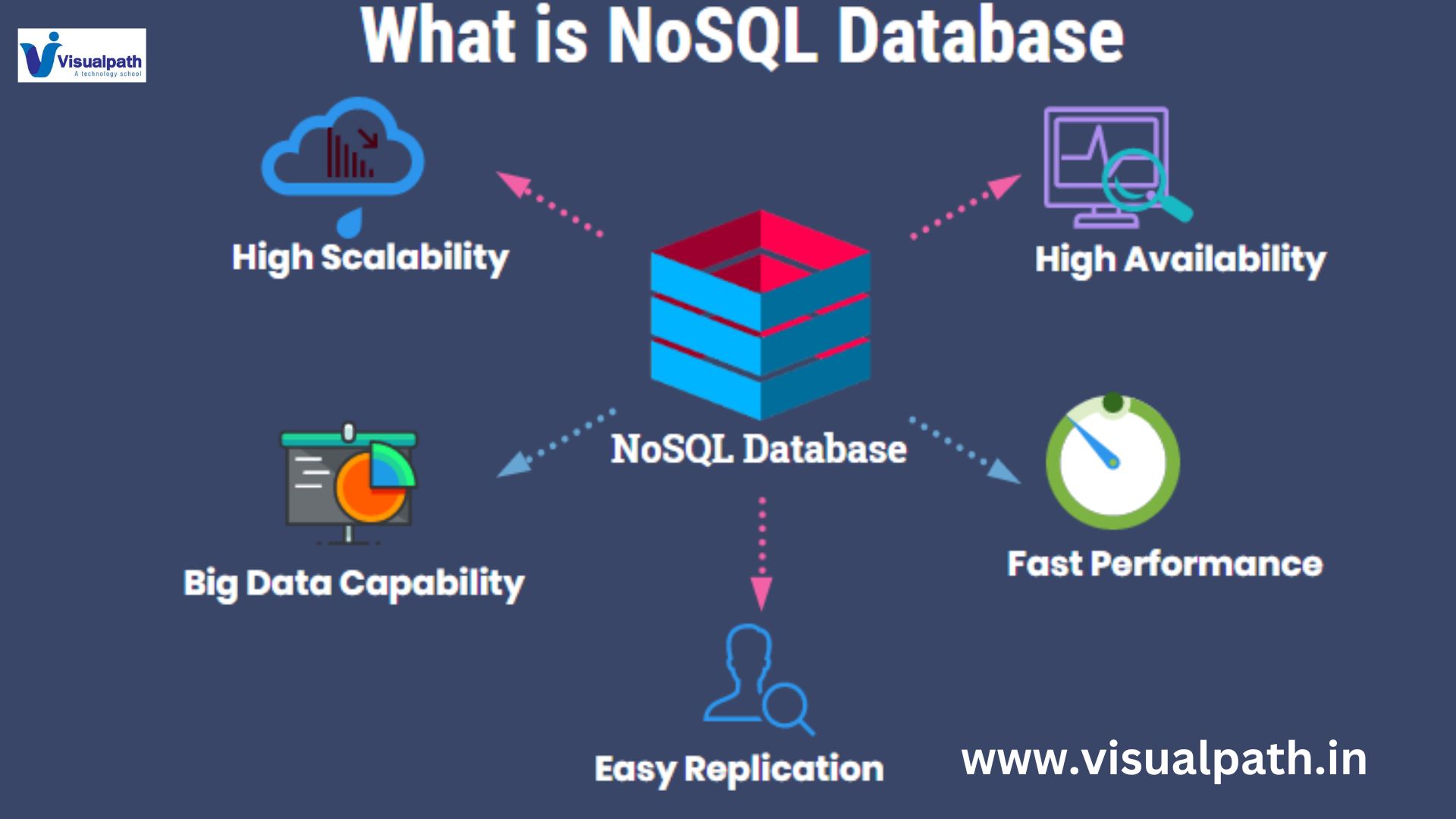
    NoSQL (Not Only SQL) refers to a type of database that diverges from the traditional relational database model (SQL). Unlike relational databases, which store data in rows and tables, NoSQL databases store data in a variety of formats, including key-value pairs, documents, graphs, or wide-column stores. NoSQL databases are designed to handle large volumes of unstructured or semi-structured data, offering scalability and flexibility that traditional SQL databases may lack.

    MongoDB: A NoSQL Database for MERN

    MongoDB is the NoSQL database used in the MERN stack. It’s a document-based database, meaning it stores data in BSON (Binary JSON format, which is a flexible, schema-less way to handle data. This allows for a more dynamic approach to data storage, as MongoDB doesn’t require a pre-defined structure for the data. Each record in MongoDB is called a document, and these documents are grouped into collections, which are analogous to tables in relational databases. Mern Full Stack Online Training Course

    Key Features of MongoDB

    1. Schema Flexibility: MongoDB doesn’t require a fixed schema, which makes it ideal for applications where data models may evolve over time. Developers can add or remove fields from documents without needing to update the entire database schema.

    2. Horizontal Scalability: MongoDB is designed to scale horizontally, meaning it can handle large amounts of data by distributing it across multiple servers. This is critical for applications that need to manage high traffic or large datasets.

    3. High Performance: MongoDB’s ability to handle high read and write operations makes it well-suited for web applications that require low latency and fast performance.

    4. Rich Query Language: While MongoDB is a NoSQL database, it provides a powerful query language that allows developers to perform complex queries, joins, and aggregations, making it versatile for data analysis.

    Benefits of Using NoSQL Databases like MongoDB in MERN

    Using a NoSQL database such as MongoDB in the MERN stack offers several benefits:

    – Fast Development: The flexibility of MongoDB’s schema allows for rapid development and prototyping.

    – JavaScript throughout: Since MongoDB stores data in JSON-like documents, it integrates seamlessly with JavaScript-based frameworks like Express and React. This makes it easier for developers to use the same language across the stack. MERN STACK Training

    – Efficient Data Handling: MongoDB’s document model aligns closely with object-oriented programming, making it easier to work with complex data types like arrays and nested objects.

    Conclusion

    The MERN stack, powered by MongoDB as its NoSQL database, offers a powerful platform for developing modern web applications. MongoDB’s flexibility, scalability, and performance make it an ideal choice for applications with dynamic or evolving data needs. By using NoSQL databases like MongoDB, developers can build efficient, scalable applications that are well-suited to the demands of today’s fast-paced, data-driven environments.

    Visualpath provides the Mern Full Stack Online Training Course. Live Instructor-Led Online Classes delivered by experts from Our Industry. Get Real-time exposure of the MERN Stack Online Training in India. All the class recordings, presentations will be shared with you for reference. Call & WhatsApp +-91-9989971070.

    Visit: https://visualpath.in/full-stack-mern-online.html

    WhatsApp: https://www.whatsapp.com/catalog/919989971070/

  • What is Provisioning in Sailpoint?

    What is Provisioning in Sailpoint?

    Introduction:

    SailPoint refers to the process of automating the creation, updating, and deactivation of user accounts and access rights across various systems and applications within an organization. SailPoint, a leading identity governance platform, enables organizations to manage user identities effectively while ensuring that employees have the appropriate level of access to perform their roles. Sailpoint Online Training

    What is Provisioning?

    Provisioning is the process of granting, modifying, or revoking access to IT resources based on user roles and responsibilities. In traditional IT environments, provisioning tasks were often manual, time-consuming, and prone to errors. However, as businesses grow and adopt more complex systems, automated provisioning has become essential for streamlining access management and ensuring users have timely access to the resources they need.

    Key Features of Provisioning in SailPoint:

    Automated User Provisioning:

    SailPoint automates the process of creating and managing user accounts across multiple systems and applications. When a new employee joins an organization, SailPoint’s provisioning engine assigns them access rights based on predefined roles, ensuring they can access the necessary resources from day one.

    Role-Based Access Control (RBAC):

    SailPoint’s provisioning system leverages role-based access control (RBAC) to assign permissions based on the user’s role within the organization. This approach ensures that users only have the access they need to perform their job functions, reducing the likelihood of over-provisioned accounts or unnecessary access. Sailpoint Identity IQ Training

    Self-Service Access Requests:

    One of the key features of SailPoint’s provisioning is its self-service access request capability. Employees can request access to specific systems or applications directly through the SailPoint platform. These requests are routed to the appropriate managers or system owners for approval, ensuring that access is granted in a controlled and auditable manner. This feature empowers users while reducing the workload on IT departments.

    Access Reviews and Compliance:

    SailPoint’s provisioning system integrates with access reviews to ensure continuous compliance with security policies and regulations. Regular access certifications help verify that users still require the access they have been granted. If access rights are no longer necessary, SailPoint can automatically trigger deprovisioning actions, further securing the organization’s sensitive data and resources.

    Benefits of Provisioning in SailPoint:

    Enhanced Security:

    By automating the provisioning process, SailPoint ensures that users are granted access only to the systems and data they need, based on their role. This reduces the risk of unauthorized access, data breaches, and over-privileged accounts, which are often exploited by malicious actors.

    Improved Operational Efficiency:

    Manual provisioning can be a time-consuming process that drains IT resources. With SailPoint, organizations can automate repetitive tasks, freeing up IT staff to focus on more strategic initiatives. Automated provisioning speeds up the onboarding process for new employees and ensures that access changes are implemented in real-time. Sailpoint Identity IQ Course

    Compliance with Regulations:

    Regulatory requirements such as GDPR, HIPAA, and SOX often mandate strict controls over user access to sensitive data. SailPoint’s automated provisioning system helps organizations stay compliant by enforcing access policies, maintaining audit trails, and conducting regular access reviews.

    Minimized Risk of Human Error:

    Manual provisioning is prone to human errors, such as assigning the wrong access rights or failing to revoke access when an employee leaves the company. SailPoint eliminates these risks by automating provisioning tasks, ensuring that access is managed accurately and consistently.

    Conclusion:

    Provisioning in SailPoint is a critical component of identity governance that automates the management of user access across systems and applications. By using automated workflows, role-based access control, and self-service access requests, SailPoint improves security, operational efficiency, and regulatory compliance.

    Visualpath is the Leading and Best Institute for learning Sailpoint Online Training in Ameerpet, Hyderabad. We provide Sailpoint Online Course, you will get the best course at an affordable cost.

    Visit : https://www.visualpath.in/sailpoint-Identity-IQ-online-training.html

     WhatsApp : https://www.whatsapp.com/catalog/919989971070/

  • MERN Full Stack? A Guide with Examples

    MERN Full Stack? A Guide with Examples

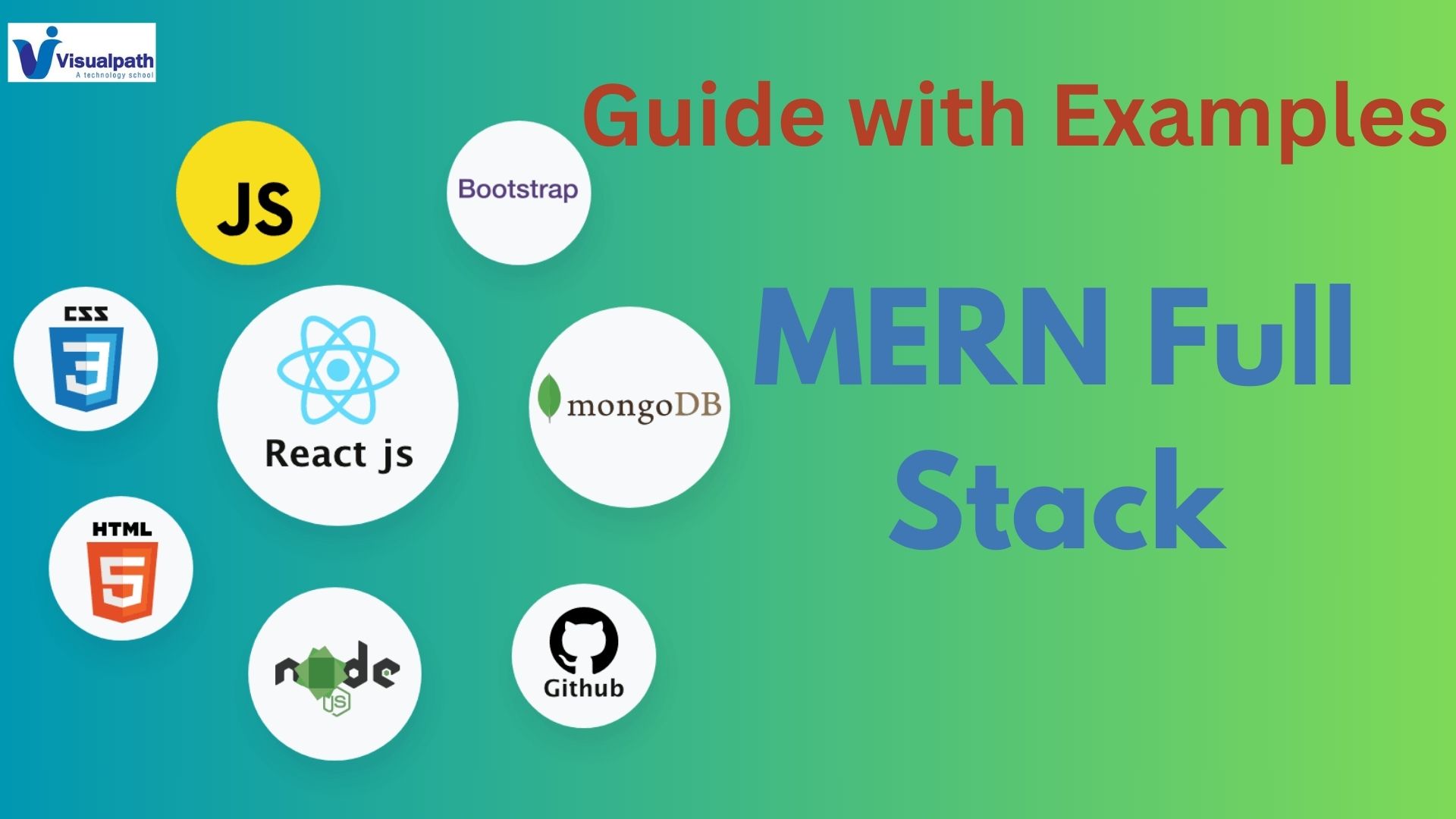
    The MERN stack is a popular web development framework consisting of four key technologies: MongoDB, Express.js, React.js, and Node.js. These technologies work together to help developers build modern, full-stack web applications using only JavaScript. MERN is known for its efficiency, scalability, and ability to develop both the frontend and backend seamlessly with one language. MERN Full Stack Web Development course

    1. MongoDB

     This allows for fast data retrieval and scalability, especially for applications dealing with large datasets.

    2. Express.js

    Express.js is a lightweight Node.js framework used for building web applications and APIs. It simplifies the process of routing, managing HTTP requests, and serving static files.

    3. React.js

    React.js is a JavaScript library developed by Facebook for creating dynamic, responsive user interfaces. It allows developers to build reusable UI components, making the front end more efficient and easier to maintain. MERN STACK Training

    4. Node.js

    Node.js is a server-side runtime environment that allows JavaScript to be used for backend development. It provides non-blocking, event-driven architecture, which improves scalability and performance.

    How MERN Works Together

    In a MERN application, React handles the user interface, interacting with the Express.js server, which manages HTTP requests. Node.js serves as the backend, connecting the frontend to MongoDB, where data is stored. MERN Stack Online Training

    Example: Creating a To-Do List Application with MERN

    1. Frontend (React): Users input tasks into a to-do list through an intuitive interface.

    2. Backend (Express + Node.js): The user’s tasks are sent to the server, where Express handles the routing of data.

    3. Database (MongoDB): Tasks are stored in a MongoDB database. Data retrieval is quick and efficient, allowing for real-time updates. MERN Stack Training in Hyderabad

    Benefits of Using MERN Stack:

    Single Language (JavaScript): Both frontend and backend are written in JavaScript, simplifying the development process.

    Scalability: The stack allows for building scalable applications that can handle large user bases and data. MERN Stack Online Training in India

    Efficient Development: With reusable components (React), a flexible backend (Node.js), and a scalable database (MongoDB), development is streamlined.

    This combination of tools provides a seamless flow of data from the frontend to the backend, making MERN ideal for building modern web applications. Whether creating simple apps like to-do lists or complex systems, MERN offers flexibility, performance, and a single-language workflow.

    Visualpath is one of the best MERN Full Stack Web Development course. We are providing Live Instructor-Led Online Classes delivered by experts from Our Industry. MERN Stack Online Training We will provide live project training after course completion. Enrol Now!! Contact us +91-9989971070.

    Visit: https://visualpath.in/full-stack-mern-online.html

     WhatsApp: https://www.whatsapp.com/catalog/919989971070/

  • Key Differences Between Selenium and Playwright

    Key Differences Between Selenium and Playwright

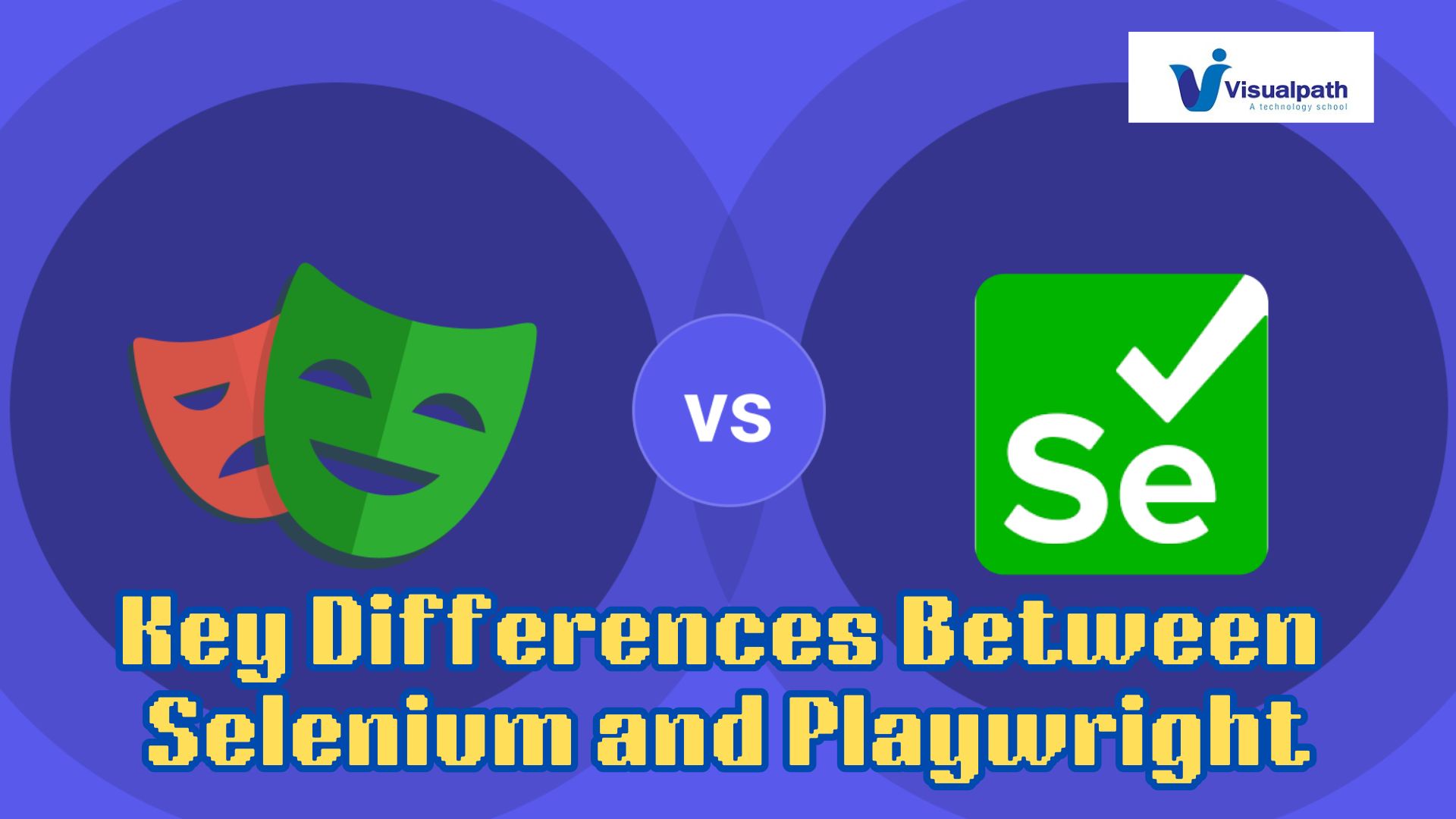
    Selenium and Playwright are popular tools for web automation and testing, but they have distinct differences in functionality, performance, and ease of use. Here’s a breakdown of the key differences between these two tools: Playwright Automation Online Training

    1. Architecture and Language Support

    • Selenium is a well-established tool that has been around since 2004. It supports a wide range of browsers (Chrome, Firefox, Safari, Edge) and languages (Java, Python, JavaScript, C#, Ruby). It uses WebDriver to interact with browsers, making it slightly slower due to network communication between the test script and the browser.  Playwright Automation Training
    • Playwright, developed by Microsoft, is a newer tool designed to work directly with the browser using WebSockets, resulting in faster execution. It supports JavaScript, Python, C#, and Java and offers better multi-browser support, including Chromium, Firefox, and WebKit.

    2. Performance and Speed

    • Selenium is slower compared to Playwright because of its WebDriver-based architecture, which introduces network latency.  Playwright Course Online
    • Playwright provides faster execution and better control over browser processes due to its direct communication with browser engines, making it more efficient for complex test scenarios.

    3. Cross-Browser Testing

    • Selenium supports a broad range of browsers and platforms, making it a go-to choice for comprehensive cross-browser testing.  Playwright Online Training
    • Playwright is also strong in cross-browser testing, but it offers better synchronization, meaning fewer flaky tests and more reliable automation.

    4. Automation Features

    • Playwright excels with advanced features like auto-waiting for elements, built-in retries, and tracing capabilities for debugging, making tests less prone to timing issues.  Playwright Training
    • Selenium requires additional configuration and third-party libraries to achieve similar reliability and features, like handling browser events and synchronization.  Playwright with TypeScript Training

    Conclusion

    While Selenium is a robust and widely supported tool, Playwright’s modern architecture, speed, and built-in features make it an attractive choice for faster, more reliable web testing and automation, especially for developers looking for a more streamlined experience.

    Visualpath is the Leading and Best Software Online Training Institute in Hyderabad. Avail complete PlayWright Automation institute in Hyderabad PlayWright Automation Online Training Worldwide. You will get the best course at an affordable cost.

    WhatsApp:  https://www.whatsapp.com/catalog/919989971070

    Visit:   Visit: https://visualpath.in/playwright-automation-online-training.html