Introduction
Data Build Tool (DBT) has become a cornerstone for data transformation within modern data pipelines. Its SQL-based approach to data modeling, testing, and documentation makes it a powerful tool for data analysts and engineers. However, to fully leverage DBT’s capabilities, it is essential to integrate it with other data tools in the ecosystem. This article serves as a guide on how to integrate DBT with various data tools, enabling seamless workflows and optimized data processes. DBT Course in Hyderabad
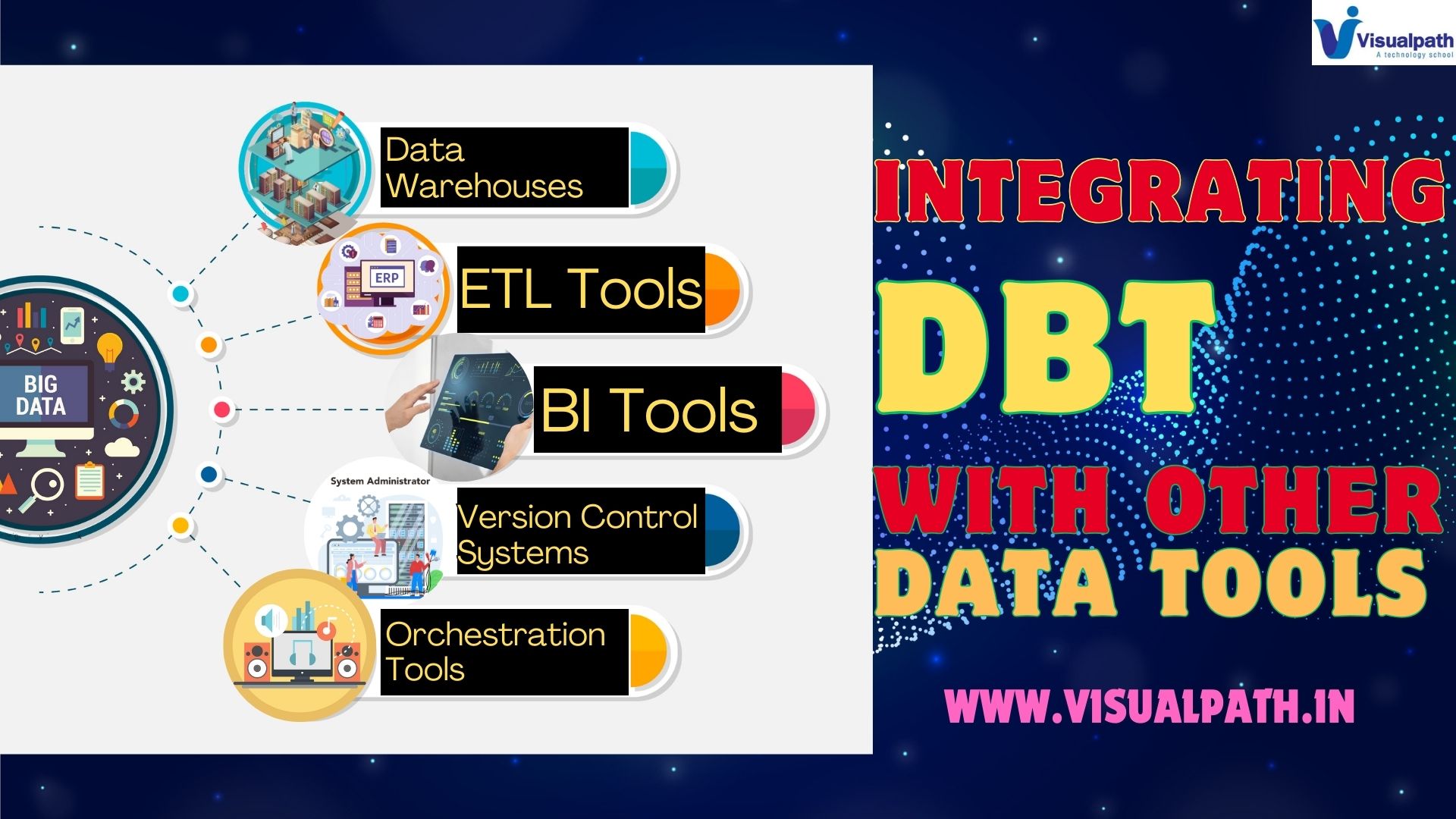
1. DBT and Data Warehouses
Integration with Snowflake, BigQuery, and Redshift:
- DBT connects effortlessly with leading cloud data warehouses like Snowflake, Google BigQuery, and Amazon Redshift.
- By configuring connection settings, users can execute SQL models directly in the data warehouse, ensuring high performance and scalability.
Best Practices:
- Always utilize separate environments for development and production in your data warehouse to minimize risks and ensure data integrity. Data Build Tool Integration
2. DBT and ETL Tools
Pairing with Fivetran and Stitch:
- ETL tools like Fivetran and Stitch handle data extraction and loading, making them ideal partners for DBT. DBT with Fivetran ETL
- Once data is loaded into the warehouse, DBT takes over for transformation, offering a clear division of tasks.
Automation Strategy:
- Use scheduling tools like Airflow or DBT Cloud’s built-in scheduler to automate the transformation process after data loading, ensuring timely and up-to-date transformations.
3. DBT and BI Tools
Integration with Looker and Tableau:
- DBT can streamline the data modeling layer, making it easier to create consistent and reusable data models.
- Exposing these models to BI tools like Looker and Tableau ensures that analysts are using the same, well-defined data sets. Data Build Tool Training
Best Practices:
- Document your models within DBT and maintain version control to avoid discrepancies when reports are generated in BI tools.
4. DBT and Version Control Systems
Using Git with DBT:
- Version control is crucial for collaborative projects. DBT integrates seamlessly with Git, enabling teams to track changes, perform code reviews, and revert to previous states if necessary. DBT Online Training
Workflow Tip:
- Implement a branching strategy where each new feature or fix is developed in an isolated branch, ensuring stable main branches and easier collaboration.
5. DBT and Orchestration Tools
Integrating with Apache Airflow:
- DBT works well with Airflow for orchestrating complex data pipelines. By triggering DBT runs as tasks within Airflow DAGs, users can integrate data extraction, loading, and transformation into a single workflow.
Implementation Tip:
- Use Airflow’s dependency management features to ensure that DBT runs only when upstream tasks have successfully completed, preventing errors and ensuring data consistency.
6. DBT and Monitoring Tools
Incorporating DataDog and PagerDuty:
- For production-level DBT deployments, integrating with monitoring tools like DataDog and alerting systems like PagerDuty helps track pipeline health and detect anomalies. DataDog DBT Monitoring
Best Practices:
- Set up alerts for long-running models or failed tests, enabling proactive monitoring and quick resolution of issues.
Conclusion
Integrating DBT with other data tools enhances its capabilities and allows for the creation of robust, end-to-end data pipelines. By connecting with data warehouses, ETL tools, BI platforms, and monitoring systems, DBT transforms into a powerhouse for data management and analytics. Following best practices for each integration ensures a smooth and efficient workflow, enabling data teams to focus on insights rather than operational challenges.
Visualpath is the Leading and Best Institute for learning in Hyderabad. We provide Data Build Tool (dbt) Online Training. You will get the best course at an affordable cost.
Attend Free Demo
Call on – +91-9989971070
What’s app: https://www.whatsapp.com/catalog/919989971070/
Visit: https://visualpath.in/dbt-online-training-course-in-hyderabad.html