Tag: Azure Synapse Analytics Training in Hyderabad

  • Data Integration and Transformation in Azure Synapse Analytics

    Data Integration and Transformation in Azure Synapse Analytics

    Introduction:

    Azure Synapse Analytics is a comprehensive analytics service that integrates big data and data warehousing. It provides a seamless environment for data integration, transformation, and analysis, allowing businesses to derive meaningful insights from their data. This article delves into the data integration and transformation capabilities of Azure Synapse Analytics, showcasing how it enables organizations to build robust data pipelines. Azure Synapse Analytics Training in Hyderabad

    Data Integration

    Data integration is a critical component of Azure Synapse Analytics, enabling the unification of data from diverse sources into a single, coherent view. Azure Synapse integrates seamlessly with a wide range of data sources, including on-premises databases, cloud-based data stores, and third-party services. This flexibility allows organizations to bring together data from disparate systems, facilitating comprehensive analytics and reporting. Azure Synapse Training

    1. Azure Synapse Studio: The heart of Azure Synapse’s data integration capabilities is Azure Synapse Studio, a unified workspace that simplifies data integration workflows. Synapse Studio offers a visual, code-free interface for building and managing data pipelines. Users can create, schedule, and monitor data integration tasks with ease, reducing the complexity associated with traditional ETL (Extract, Transform, Load) processes. Azure Synapse Online Training Course Hyderabad
    2. Data Ingestion: Azure Synapse supports both batch and real-time data ingestion. For batch data ingestion, Azure Data Factory provides a robust platform for orchestrating data movement. It allows for the extraction of data from various sources, transformation using mapping data flows or custom code, and loading into a destination data store, such as Azure Data Lake Storage or Azure Synapse’s dedicated SQL pool. For real-time data ingestion, Azure Synapse integrates with Azure Stream Analytics and Azure Event Hubs, enabling the ingestion of streaming data for real-time analytics.
    3. Data Virtualization: Azure Synapse’s data virtualization capabilities enable querying across different data sources without the need to move data physically. This is achieved through the use of server less SQL pools, which allow users to query data in data lakes, Cosmos DB, and other data sources using T-SQL. This capability is particularly valuable for organizations with diverse data sources, as it eliminates data silos and provides a unified data access layer. Azure Synapse Analytics Training in Ameer pet

    Data Transformation

    Data transformation is the process of converting raw data into a format suitable for analysis. Azure Synapse Analytics provides a comprehensive set of tools and services for data transformation, ensuring that data is clean, consistent, and ready for analysis.

    1. Mapping Data Flows: Azure Synapse’s mapping data flows offer a visual, code-free approach to data transformation. Users can create data flows by dragging and dropping transformation activities onto a canvas, specifying data transformation logic through a series of steps. These steps can include data filtering, aggregation, sorting, and data type conversion. Mapping data flows also support schema drift handling, which automatically adjusts transformations based on changes in source data schemas. Azure Synapse Analytics Courses Online
    2. Notebooks and Spark Pools: For more complex data, transformations, Azure Synapse provides support for Apache Spark through integrated Spark pools. Users can create and run notebooks in Synapse Studio, leveraging the power of Spark for large-scale data processing. Notebooks can be written in multiple languages, including Python, Scala, and SQL, allowing for flexibility in defining transformation logic. This is particularly useful for advanced analytics and machine learning tasks, where complex transformations and data pre-processing are required.
    3. Stored Procedures and T-SQL: For users familiar with traditional SQL-based data transformations, Azure Synapse’s dedicated SQL pools provide support for T-SQL and stored procedures. Users can write complex SQL scripts to transform data, create custom aggregations, and implement business logic. This feature is especially useful for organizations migrating from traditional data warehouses to Azure Synapse, as it allows for the reuse of existing SQL-based transformation logic.

    Best Practices for Data Integration and Transformation

    To maximize the effectiveness of data integration and transformation in Azure Synapse Analytics, organizations should adhere to several best practices: Azure Synapse Analytics Online Training

    1. Data Quality and Governance: Ensuring data quality is crucial for accurate analytics. Implement data validation and cleansing processes during data ingestion and transformation. Utilize Azure Synapse’s data governance features, such as data lineage and auditing, to maintain data integrity and compliance.
    2. Performance Optimization: Optimize data pipelines for performance by leveraging parallel processing, partitioning, and caching mechanisms. Monitor pipeline performance using Azure Synapse’s built-in monitoring tools and adjust resource allocation as needed.
    3. Security and Compliance: Implement robust security measures, such as data encryption, access controls, and network isolation. Ensure compliance with industry regulations by following best practices for data privacy and protection. Azure Synapse Analytics Training

    Conclusion

    Azure Synapse Analytics offers a powerful and flexible platform for data integration and transformation. With its wide range of tools and services, organizations can build efficient and scalable data pipelines, ensuring that data is ready for analysis. By following best practices and leveraging the capabilities of Azure Synapse, businesses can unlock the full potential of their data and drive informed decision-making.

    Visualpath is the Best Software Online Training Institute in Hyderabad. Avail complete Azure Synapse Analytics worldwide. You will get the best course at an affordable cost.

    WhatsApp: https://www.whatsapp.com/catalog/917032290546/

    Visit: https://visualpath.in/azure-synapse-analytics-online-training.html
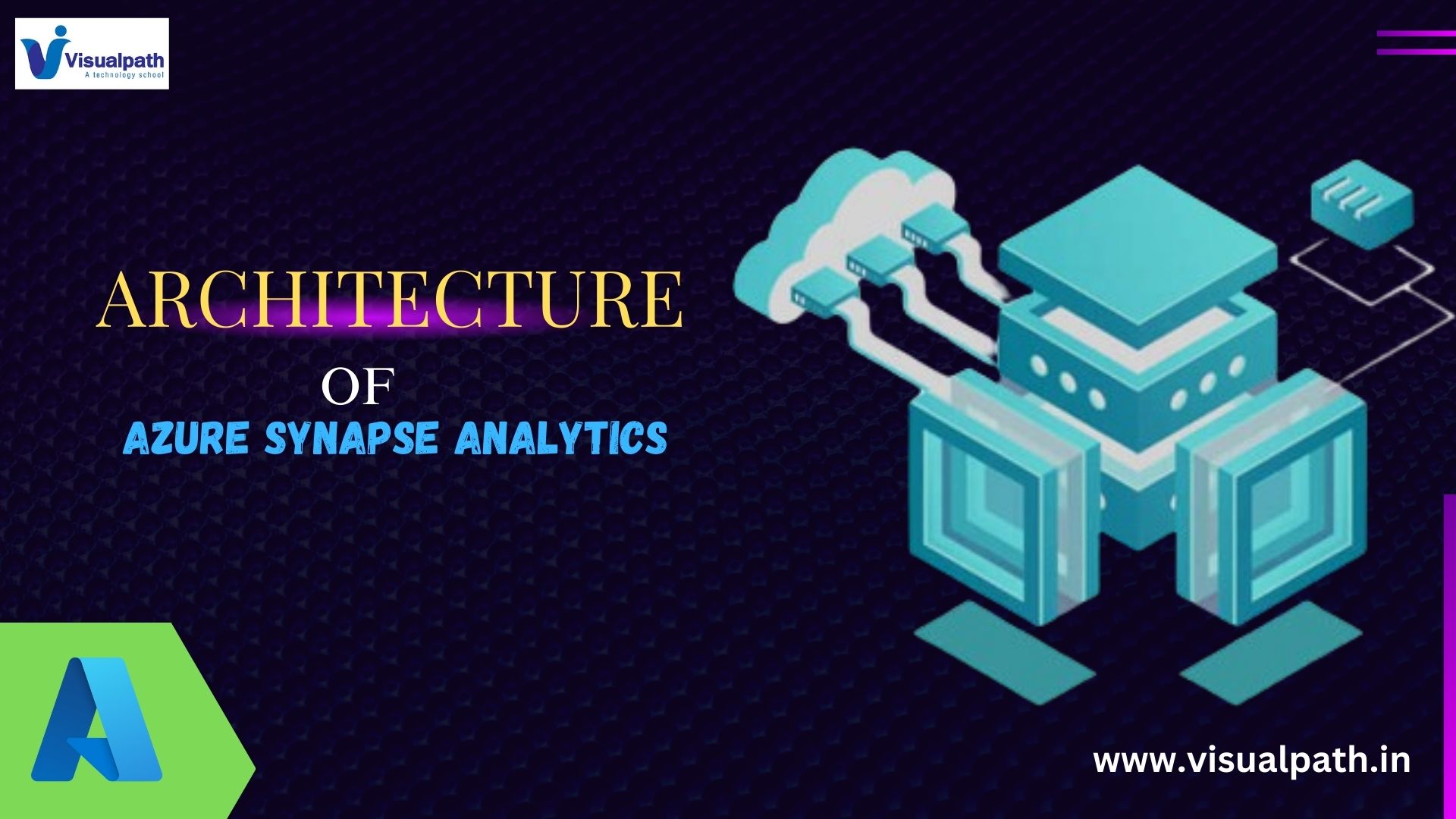
  • Azure Synapse Analytics Architecture

    Azure Synapse Analytics Architecture

    Introduction:

    Azure Synapse Analytics is a limitless analytics service that brings together data integration, enterprise data warehousing, and big data analytics. It gives organizations the ability to query data on their own terms, using either server less or dedicated resources at scale. The architecture of Azure Synapse Analytics is designed to handle complex data workloads with efficiency, scalability, and security.

    Core Components

    1. Data Lake Storage: Azure Synapse Analytics leverages Azure Data Lake Storage Gen2, which provides a highly scalable and secure data lake solution. It serves as the central repository for storing large volumes of structured and unstructured data. The integration with Azure Data Lake Storage allows users to ingest and store data of any size, shape, and speed.

    2. Synapse SQL: Synapse SQL is the SQL-based analytics engine in Azure Synapse. It offers two types of resources:

    • Dedicated SQL Pool: This is a collection of analytical resources that provide massively parallel processing (MPP) capabilities. It is ideal for complex queries and large-scale data warehousing solutions.
    • Server less SQL Pool: This is a query service over the data lake that does not require dedicated resources. It allows users to query data directly in the data lake without needing to provision resources in advance. Azure Synapse Analytics Training in Ameer pet

    3. Spark Pools: Apache Spark is integrated into Azure Synapse Analytics to provide a unified analytics platform. Spark Pools allow for distributed data processing, making it easier to perform big data analytics and machine learning tasks. This integration enables data engineers and data scientists to process and analyse large datasets using familiar Spark APIs.

    4. Synapse Pipelines: Azure Synapse Pipelines is a data integration service within Synapse Analytics. It provides a code-free interface for creating, scheduling, and orchestrating data workflows. With pipelines, users can move and transform data from various sources to their data lake or data warehouse. It supports a wide range of connectors for seamless data integration across on-premises and cloud sources.

    5. Synapse Studio: Synapse Studio is the unified web user interface for Azure Synapse Analytics. It provides an integrated workspace for data preparation, data management, data exploration, big data, and data warehousing tasks. Synapse Studio offers tools for developing SQL scripts, Spark jobs, data flows, and pipelines, making it a one-stop-shop for analytics and data integration.

    Key Features

    1. Unified Analytics: Azure Synapse Analytics unifies big data and data warehousing, allowing users to query data from both relational and non-relational sources. This integration eliminates the need for multiple analytics systems, simplifying data management and reducing costs.  Azure synapse Analytics Online Training in Hyderabad

    2. On-demand and Provisioned Resources: Azure Synapse offers both on-demand (server less) and provisioned (dedicated) resources, giving users flexibility in how they manage and query their data. Server less SQL pools allow for ad-hoc queries without the need for resource management, while dedicated SQL pools provide powerful performance for persistent data workloads.

    3. Built-in Security: Security is a cornerstone of Azure Synapse Analytics. It includes features like data encryption at rest and in transit, network security controls, and advanced threat protection. Role-based access control (RBAC) and dynamic data masking ensure that sensitive data is protected and only accessible to authorized users.

    4. Scalability: The architecture of Azure Synapse is designed to scale seamlessly with the growth of data and analytical needs. Dedicated SQL pools can scale out by adding more nodes, and server less SQL pools automatically handle scaling based on the query load. This elasticity ensures that performance remains optimal even with increasing data volumes.

    5. Integration with Azure Services: Azure Synapse Analytics integrates with a wide range of Azure services, including Power BI, Azure Machine Learning, and Azure Data Factory. This integration provides a comprehensive ecosystem for data analytics, enabling users to create end-to-end data solutions from ingestion to visualization. Azure Synapse Training in Hyderabad

    Use Cases

    1. Enterprise Data Warehousing: Organizations can use Azure Synapse Analytics to build modern data warehouses that can store and query petabytes of data. The dedicated SQL pool provides the performance needed for complex analytical queries, while the server less SQL pool allows for flexible querying of data in the data lake.

    2. Big Data Analytics: With integrated Spark Pools, Azure Synapse enables big data processing and analytics. Data engineers can process large datasets using Spark, while data scientists can perform advanced analytics and machine learning.

    3. Real-time Analytics: Azure Synapse Analytics supports real-time data ingestion and processing, making it suitable for scenarios where timely insights are critical. By integrating with streaming data sources, organizations can build real-time dashboards and monitoring systems.

    4. Data Integration and ETL: Synapse Pipelines allow for the creation of complex data workflows to move and transform data. This capability is essential for building ETL (Extract, Transform, Load) processes that feed data into the analytics environment. Azure Synapse Analytics Training

    Conclusion

    Azure Synapse Analytics is a robust and versatile analytics platform that combines data integration, data warehousing, and big data analytics into a single service. Its architecture is designed to provide flexibility, scalability, and security, making it an ideal solution for organizations looking to derive insights from their data. By leveraging the unified analytics capabilities of Azure Synapse, businesses can accelerate their data-driven decision-making processes and gain a competitive edge in the market.

    Visualpath is the Best Software Online Training Institute in Hyderabad. Avail complete Azure Synapse Analytics worldwide. You will get the best course at an affordable cost.

    Call on – +91-9989971070

    WhatsApp: https://www.whatsapp.com/catalog/917032290546/

    Visit: https://visualpath.in/azure-synapse-analytics-online-training.html
  • Using Power BI with Azure Synapse Analytics

    Using Power BI with Azure Synapse Analytics

    Introduction:

    Azure Synapse Analytics together form a powerful duo for data professionals and business analysts. While Azure Synapse Analytics provides a robust platform for big data and data warehousing, Power BI offers an intuitive way to visualize and derive insights from that data. This guide will walk you through connecting Power BI to Azure Synapse Analytics and creating interactive reports without writing any code. Azure Synapse Analytics Training

    1. Prerequisites

    Before you start, ensure you have the following:

    • An Azure Synapse Analytics workspace.
    • Data loaded into your Synapse workspace.
    • Power BI Desktop installed or access to the Power BI service.
    • Appropriate permissions to access the Synapse workspace and the data.

    2. Setting Up Azure Synapse Analytics

    1. Create an Azure Synapse Workspace: If you haven’t already, create a Synapse workspace in the Azure portal.
    2. Load Data: Ingest data into your Synapse workspace using the Data Ingest wizard or data pipelines. You can ingest data from various sources such as Azure Blob Storage, Azure SQL Database, or on-premises databases. Azure Synapse Training in Hyderabad

    3. Connecting Power BI to Azure Synapse Analytics

    1. Open Power BI Desktop:
      • Launch Power BI Desktop or access the Power BI service from your browser.
    2. Get Data from Azure Synapse Analytics:
      • Click on “Get Data” in Power BI Desktop.
      • Select “Azure” from the list of data sources, then choose “Azure Synapse Analytics (SQL Data Warehouse)”.
      • Click “Connect”.
    3. Enter Connection Details:
      • Provide the server name and database name for your Synapse Analytics workspace.
      • Choose the authentication method (usually, organizational account or database authentication).
      • Click “OK” to establish the connection.
    4. Select Data:
      • Once connected, you will see a navigator window showing the available tables and views in your Synapse workspace.
      • Select the tables or views you want to use in your Power BI report.
      • Click “Load” to import the data into Power BI.

    4. Creating Reports and Dashboards

    1. Explore Your Data:
      • After loading the data, it will appear in the “Fields” pane on the right side of Power BI Desktop. Azure Synapse Analytics Courses Online
      • You can explore the data by clicking on individual fields to see their contents.
    2. Create Visualizations:
      • Drag and drop fields from the “Fields” pane onto the report canvas to create visualizations.
      • Power BI offers a variety of visualization types, including bar charts, line charts, pie charts, maps, and more.
      • Customize each visualization by adjusting properties such as colours, labels, and titles.
    3. Building Interactive Reports:
      • Add multiple visualizations to the report canvas to build a comprehensive report.
      • Use slicers to create interactive filters that allow users to drill down into specific subsets of data.
      • Arrange and resize visualizations to create a cohesive layout.
    4. Adding Calculations and Measures:
      • Use Power BI’s built-in features to create calculated columns and measures without writing DAX (Data AnalysisExpressions) code.
      • For example, to create a new measure for total sales, right-click on the table in the “Fields” pane, select “New measure”, and use the expression builder to create the measure.

    5. Publishing and Sharing Reports

    1. Publish to Power BI Service:
      • Once your report is ready, click on the “Publish” button in Power BI Desktop.
      • Sign in to your Power BI account and choose the workspace where you want to publish the report.
    2. Sharing and Collaboration:
      • In the Power BI service, you can share reports with colleagues by providing access to the report or the workspace.
      • Use Power BI’s collaboration features to comment on reports, set up data alerts, and subscribe to report updates.
    3. Embedding Reports:
      • Embed Power BI reports into applications such as Microsoft Teams, SharePoint, or custom web applications to enhance accessibility and collaboration. Azure Synapse Analytics Online Training
      • Power BI offers various embedding options that can be configured without writing code.

    6. Automating Data Refresh

    1. Scheduled Refresh:
      • Set up scheduled refresh in the Power BI service to keep your data up-to-date.
      • Go to the dataset settings in the Power BI service and configure the refresh schedule.
    2. Direct Query Mode:
      • Use Direct Query mode to connect to live data in Azure Synapse Analytics. This mode allows real-time data interaction without the need for scheduled refreshes.
      • When connecting to the data source, select Direct Query instead of Import.

    7. Best Practices

    1. Optimizing Performance:
      • Use data aggregations and summarize data at the source to optimize performance.
      • Ensure your Synapse SQL pool is appropriately sized to handle query workloads.
    2. Security:
      • Implement role-based access control (RBAC) in both Azure Synapse and Power BI to ensure data security.
      • Use data encryption and other security features provided by Azure to protect sensitive information. Azure Synapse Analytics Training in Ameer pet

    Conclusion

    Integrating Power BI with Azure Synapse Analytics provides a powerful platform for data visualization and analytics without requiring any coding. By following this guide, you can easily connect to your Synapse workspace, create interactive reports, and share insights across your organization. Leverage the seamless integration and robust features of both tools to unlock the full potential of your data.

    Visualpath is the Best Software Online Training Institute in Hyderabad. Avail complete Azure Synapse Analytics worldwide. You will get the best course at an affordable cost.

    Call on – +91-9989971070

    WhatsApp: https://www.whatsapp.com/catalog/917032290546/

    Visit: https://visualpath.in/azure-synapse-python-azuredatabricks-online-training.html